Restaurant menu design: the layout tricks that lift spend
Menu design is not decoration, it is where guests decide what to spend. Scanning patterns, price placement, typography, and a one-page redesign checklist.

Claiming it, filling it in properly, and ranking in the local map results.

Short answer: your Google Business Profile (the free listing behind Google Maps and the local “map pack”) is the highest-return marketing a food business has. To make it work: claim and verify it, complete every field, pick the most specific category, add real photos and your menu, point the order button at your own site, post weekly, and earn and reply to reviews. That’s what gets you found when someone nearby searches “brunch near me”.
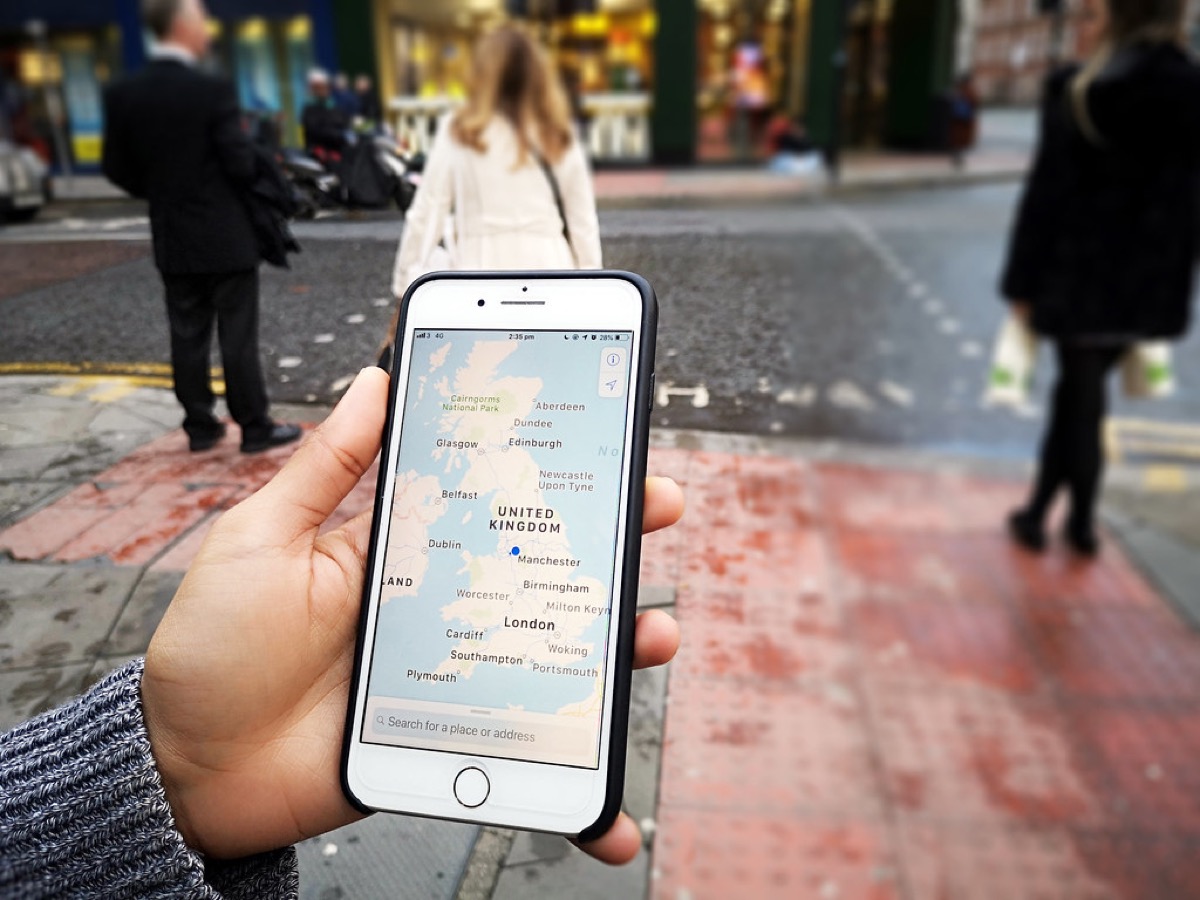
Most “restaurants near me” and “best tacos in [town]” searches never reach a website, they’re answered right in Google Maps and the three-result map pack. If your profile is thin or unclaimed, you’re invisible for exactly the searches with the most intent: a hungry person, nearby, ready to buy. It’s free, and it outperforms almost everything else you could spend an hour on. It’s the first move in the wider playbook to get more customers.
A complete profile ranks better and converts better. Don’t leave gaps:
| Field | Do this |
|---|---|
| Primary category | Be specific: “Taco restaurant”, not just “Restaurant”. It’s the biggest single ranking lever. |
| Name, address, phone | Exactly as they appear everywhere else. Inconsistency (NAP) hurts ranking. |
| Hours | Set regular AND special/holiday hours. Wrong hours is the #1 cause of bad reviews. |
| Photos | Real, recent photos of food, interior, exterior and team. Businesses with photos get far more clicks. |
| Menu & ordering | Add your menu and point “Order online” at your OWN ordering page. |
| Attributes | Dine-in, takeaway, outdoor seating, dog-friendly, wheelchair access, vegan options. |
Google lets you set where the order and reservation buttons go. Every profile that sends orders to a delivery app is paying 15–30% on traffic Google sent for free. Point it at your own ordering page instead and you keep the margin and the customer relationship, see how to take orders without the app fees.
Two habits keep a profile ranking: weekly posts (a special, a new dish, an event, they expire, so a quiet profile reads as closed) and reviews. A steady flow of genuine reviews, each one replied to, is the strongest prominence signal you control, the full playbook is in how to get more restaurant reviews.
Completing your profile is table stakes. To understand why one cafe outranks another on the same street, it helps to know the three signals Google uses to order local results: relevance, distance, and prominence. You cannot move your restaurant closer to a searcher, so your real work is on the other two.
Relevance is how well your profile matches what someone typed, which is why your primary category, service attributes, and menu items matter more than a keyword-stuffed description. Prominence is how established and trusted you look, and it is driven mostly by a steady flow of recent reviews plus consistent mentions of your name, address, and phone number across the web. Where those details clash between your website, your Facebook page, and old directory listings, Google trusts you less and you slip down the map pack.
| Signal | What it means | Levers you control |
|---|---|---|
| Relevance | How well your profile matches the search | Exact primary category, useful secondary categories, service attributes, menu items, honest description |
| Distance | How close you are to the searcher | Accurate map pin and service area; you cannot fake this one |
| Prominence | How established and trusted you look | Steady recent reviews, replies to every review, and the same name, address and phone everywhere online |
The practical takeaway: pick the most specific primary category you can, keep your details identical across every listing, and never let reviews go stale. If you want to go deeper on the off-profile factors, see our guide to local SEO for restaurants.
Photos are the first thing a hungry person judges you on, and Google reports that profiles with photos earn more clicks to the website and more requests for directions. Most restaurants upload a handful at setup and never return. Treat photos as a channel you feed, not a task you finish.
Shoot in daylight or near a window, hold the phone level, and lead with your best-selling dishes rather than the whole menu. Upload a few new images every week so your profile always looks alive and current. Customers will add photos too, and you cannot remove those, so the fix for an unflattering guest photo is to out-post it with better ones of your own.
| Photo type | What to show | How often |
|---|---|---|
| Logo and cover | Clean logo, one strong hero shot | Set once, keep current |
| Food | Your best sellers, well lit, close up | 3 to 5 new each week |
| Interior and exterior | So guests recognise the place from the street | Refresh each season |
| Team and behind the scenes | The people and the making of the food | About once a month |
Add a short caption to each upload and keep your file names descriptive before you post, for example grilled-lamb-pita rather than IMG_4821. It is a small habit that reinforces relevance and takes seconds.
Is a Google Business Profile free?
Yes, Google Business Profile is completely free to create and manage. It’s the single highest-return free marketing a restaurant has: it’s what shows your business in Google Maps, the local “map pack”, and the panel on the right of a Google search for your name.
How do I rank higher on Google Maps for my restaurant?
Google ranks local results on relevance, distance and prominence. In practice: fully complete and verify your profile, pick the most specific primary category, keep your name/address/phone identical everywhere, add real photos and your menu, post regularly, and, the big one, earn a steady stream of genuine reviews and reply to them. Consistency and reviews move the needle more than anything else.
Can I add my menu to my Google Business Profile?
Yes. You can add a menu directly, link to your own ordering page, and turn on food-ordering and reservation links. Pointing the “Order online” button at your own ordering page (instead of a delivery app) keeps the margin and the customer.
How often should I post on Google Business Profile?
Aim for once a week, a special, a new dish, an event, a seasonal note. Posts expire, so a quiet profile looks inactive. It’s a few minutes that keeps your listing fresh and gives searchers a reason to choose you.
Why is my restaurant not showing up on Google Maps?
The usual causes are an unverified or suspended profile, a duplicate listing competing with your real one, or details that do not match across the web. Confirm the profile is verified, search for and merge any duplicates, and make your name, address and phone identical everywhere. Also check you are not too far from the searcher, since distance is a ranking factor you cannot control.
Should I respond to fake or unfair reviews?
Yes, reply calmly and publicly, because future customers read the reply as much as the review. Keep it short, do not argue, and offer to sort it out offline. If a review clearly breaks Google’s policies, for example spam or a competitor with no visit, you can flag it for removal, but a professional reply protects you either way. Building a steady flow of genuine reviews is the best defence, and our guide on how to get more restaurant reviews covers how.
Storefront, orders, kitchen, CRM and marketing in one place. Start free in a couple of minutes, no card needed. Pop in your email and we'll take you straight to setup.
Menu design is not decoration, it is where guests decide what to spend. Scanning patterns, price placement, typography, and a one-page redesign checklist.
Marketing when you remember to is not a plan. A restaurant marketing plan in four layers, with what to do weekly, monthly and seasonally.
Photos sell dishes the way a good waiter does. A one-hour food photography system for your phone: window light, three angles, ten frames a dish.
Storefront, POS, kitchen, CRM, marketing. One login, one bill. NZ$1/month for the first 3 months.
Start free trial