Toast vs Clover for restaurants (2026 compared)
Toast and Clover both want to run your restaurant, and both ask for something back: Toast locks processing, Clover locks contracts. Priced honestly, side by side.

Bar POS systems for pubs, taprooms and clubs: tabs, card holds, pricing, uptime

Short answer: the best bar POS opens and closes tabs in a couple of taps, pre-authorises or stores cards so nobody walks out on a bill, prices happy hour automatically, and keeps working when the internet does not. For an all-in-one option, Plattr pairs fast tabs with loyalty and staff rostering behind one login from 2.5% per order and runs on devices you already own. Toast is the high-volume industry standard, SpotOn is strong for bars that also do tables and events, Arryved is built for breweries and taprooms, and Square is the easiest cheap way in. Below are all seven, with honest pricing and who each one is for.
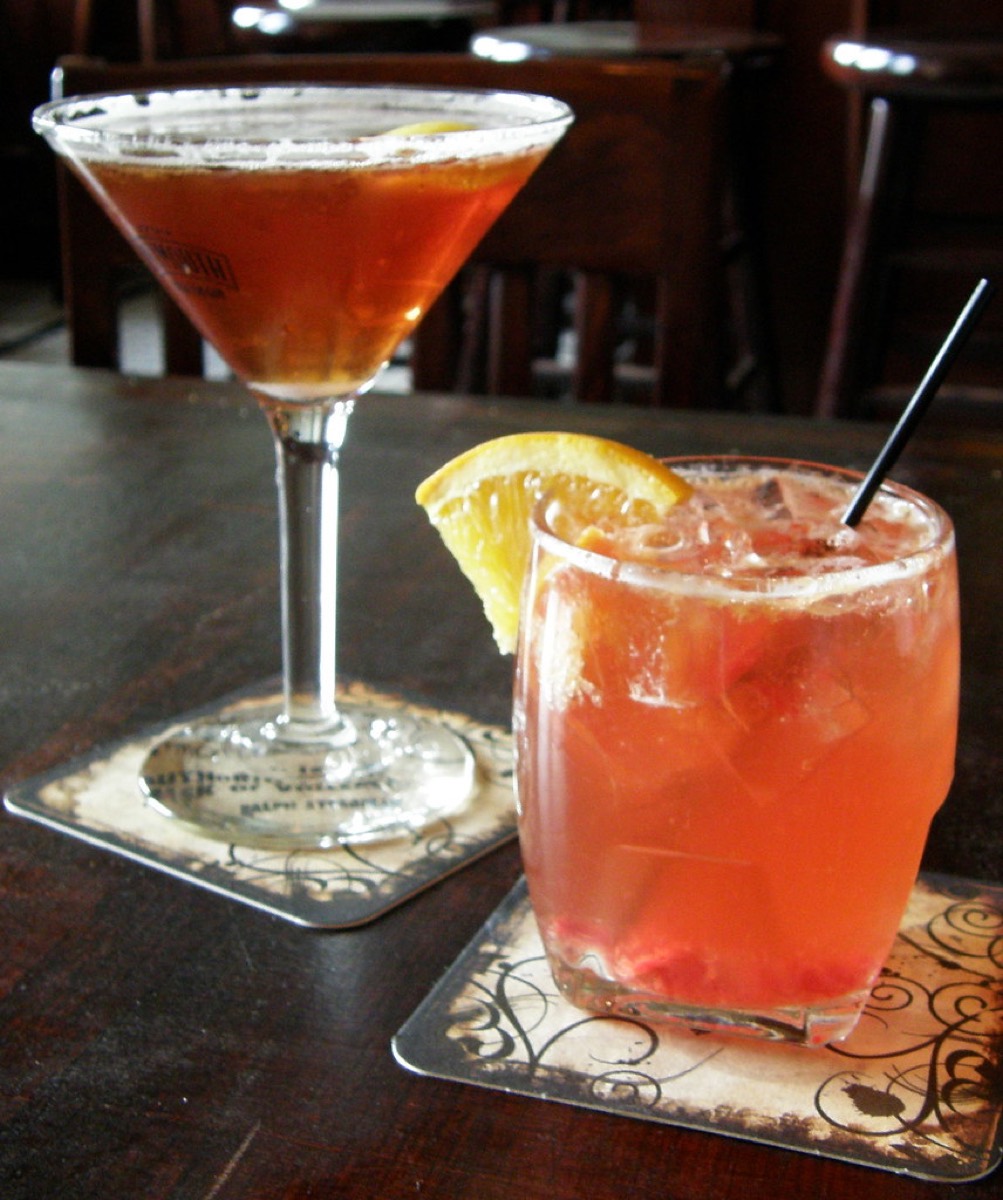
Bars are not restaurants with a drinks list. The workflow is faster, the tickets are smaller and more frequent, and the failure modes are expensive. Before you compare brands, get clear on the features that separate a bar POS from a generic one.
Keep that list next to you during every demo. A POS can look beautiful and still be wrong for a bar if tabs are two taps too slow or the pricing engine cannot do a Thursday happy hour without a workaround.
Plattr publishes this blog, so treat this as an informed but interested view; the fit test near the end is written to be useful whichever way you go. Competitor prices below are indicative 2026 figures shown as tiers, so check current pricing with each vendor before you sign anything.
Plattr is the best bar POS for owners who want one system instead of a stack of them, because tabs, loyalty, marketing, rostering and reporting all live behind a single login. You open and close tabs from a speed screen, run loyalty for your regulars, build the schedule for the same staff who are working the bar, and see it all in one place, rather than paying for and reconciling four separate tools.
The pricing model is deliberately simple. Direct online ordering starts from 2.5% per order (region-dependent), it is free to start, and it runs on devices you already own, so there is no proprietary-hardware lock-in and no multi-year contract. Plattr does charge a per-order fee, and it should be upfront about that; the honest pitch is low per-order fees from 2.5% and roughly forty apps in one login, so you are not stitching a bar business together from parts. If you also run food, or want reservations and QR ordering later, they are already in the same account.
Best for: independent bars, pubs and taprooms that want fast tabs plus loyalty and roster in one login, month to month, on hardware they already have.
Toast is the industry standard for high-volume hospitality, and for good reason. The tab handling is fast, the kitchen display and reporting are deep, the ecosystem of add-ons is huge, and the hardware is genuinely built for spills and speed. For a big, busy bar with a food menu and a KDS, few systems match the polish.
The trade-offs are cost and lock-in. Software ranges from a $0 per month Starter Kit up to a Point of Sale plan around $69 per month and custom builds higher again, but you are locked to Toast payment processing at roughly 2.49% plus 15 cents in person and around 3.50% plus 15 cents online, the hardware starts near $799, and two to three year contracts are common. It is powerful, but it is a commitment, so read the term and check current pricing.
Best for: high-volume bars and bar-restaurants that want the deepest feature set and will use the ecosystem.
SpotOn has quietly become one of the strongest picks for bars specifically. Tab management and pre-authorisation are solid, tip pooling is well handled, and Teamwork scheduling is built in, which matters when the same people who pour drinks also need a roster. It bundles reservations and loyalty, so a venue that does tables and events as well as a bar gets a lot in one place.
On pricing, the All-In plan is advertised at $0 per month but comes with 2.79% plus 20 cents card-present (3.79% plus 20 cents keyed), a two-year minimum term and processing minimums, while POS Essentials is around $55 per station each month with 2.45% plus 15 cents and stays month to month. Hardware runs roughly $750 a station or $375 for a handheld. A few users report billing-discrepancy issues, so confirm every line of the agreement and check current pricing before committing.
Best for: bars that also run reservations and events and want strong bar features plus built-in scheduling.
Arryved is purpose-built for breweries, taprooms and craft-forward bars, and it shows. Card-on-file tabs, offline resilience and a mobile-first ordering flow that lets staff take payment anywhere in the room are genuine strengths, and the product understands the taproom and beer-garden model in a way general POS systems do not.
Arryved does not publish simple public per-station pricing the way some rivals do, so you generally work through a quote based on your setup. That is normal for a specialist tool, but it means you should get the full breakdown of software, processing and hardware in writing and ask directly about offline behaviour and contract length. Check current pricing during the demo.
Best for: breweries, taprooms and beer gardens that want card-on-file tabs, roaming service and strong offline mode.
Square is the easiest and cheapest way to get a real bar POS running, and for a small bar, cocktail spot or pop-up that is often exactly right. There is a genuinely usable free plan, the hardware ecosystem is affordable, setup is quick, and it stays month to month with no long contract, which lowers the risk of trying it.
The paid plan is around $69 per month, with processing near 2.6% plus 10 cents in person and about 2.9% plus 30 cents online. Square handles tabs and quick keys well for its price, though very high-volume bars and complex tip-pooling or event-pricing setups may eventually outgrow it. As always, check current pricing, because plan features shift.
Best for: small bars, cocktail bars and food-truck-adjacent operators who want a cheap, low-commitment start.
Lightspeed is a strong option for bars that lean on inventory and reporting, or that run more than one location. The stock control and analytics are a step up, the iPad-based interface is clean, and multi-location management is a real strength if you are a small group rather than a single room.
Entry pricing starts around $69 or more per month and scales up with add-ons, it uses Lightspeed Payments, and billing is typically annual, so factor the yearly commitment into your decision. It is more system than a tiny bar needs, but it earns its place once inventory depth and multi-site reporting matter. Check current pricing for your exact configuration.
Best for: multi-location bar groups and venues where deep inventory and reporting are a priority.
Clover rounds out the list as the flexible, widely available option, often sold through banks and payment resellers. The hardware range is broad, the app market is large, and if you already have a banking relationship that offers Clover, it can be a convenient way in with plenty of ways to extend it.
The catch is the contract and the pricing spread. Restaurant plans commonly run around $135 to $354 per month, frequently on 36-month terms with early-termination fees, and processing is roughly 2.3% to 2.6% plus 10 cents in person and about 3.5% plus 10 cents keyed or online. Because reseller pricing varies enormously, get the specific quote in writing and read the term carefully, then check current pricing against at least one other vendor.
Best for: bars that value hardware flexibility and a big app market, and are comfortable with a longer contract via a reseller.
Prices are indicative 2026 figures and change often, so treat this as a starting point and check current pricing with each vendor. Processing rates and hardware are extra on top of the software figures shown.
| POS | Standout bar feature | Entry price | Contract | Best for |
|---|---|---|---|---|
| Plattr | Tabs plus loyalty and roster in one login | Free to start, from 2.5% per order | Month to month | All-in-one independent bars and taprooms |
| Toast | Deep features, KDS, big ecosystem | $0 to ~$69/mo software | 2 to 3 years common | High-volume bars and bar-restaurants |
| SpotOn | Pre-auth, tip pooling, Teamwork rota | $0 or ~$55/station/mo | 2-year term or month to month | Bars with reservations and events |
| Arryved | Card-on-file tabs, roaming, offline | Quote-based | By quote | Breweries and taprooms |
| Square | Cheap, quick, low commitment | Free or ~$69/mo | Month to month | Small and cocktail bars |
| Lightspeed | Inventory and multi-location reporting | ~$69+/mo | Typically annual | Multi-site bar groups |
| Clover | Hardware flexibility, big app market | ~$135 to $354/mo | Often 36 months | Reseller-sold, flexible hardware |
If you would rather match by venue type than read every entry, this fit test points you at a sensible first choice. It is a starting point, not a verdict; the right answer still depends on your volume, your contract appetite and the demo.
| Your situation | Start with | Why |
|---|---|---|
| You want one login for tabs, loyalty and roster | Plattr | All-in-one, month to month, from 2.5%, on your own devices |
| High-volume bar with a full food menu | Toast | Deepest feature set and KDS, if you accept the term and lock-in |
| Bar that also does reservations and events | SpotOn | Pre-auth, tip pooling and built-in Teamwork scheduling |
| Brewery, taproom or beer garden | Arryved | Card-on-file tabs, roaming service and strong offline mode |
| Small or cocktail bar on a tight budget | Square | Cheap, quick to set up and month to month |
| Small group focused on stock and reporting | Lightspeed | Inventory depth and multi-location analytics |
Once you know the shortlist, a good decision comes down to matching the system to how your bar actually runs, not to whichever demo was slickest. Work through these in order.
A worked example makes the cost point concrete. Say a small bar does $40,000 a month across the counter on a plan at 2.6% plus 10 cents per transaction over roughly 3,000 transactions. That is about $1,040 in percentage fees plus $300 in per-transaction cents, so around $1,340 in processing, on top of maybe $69 in software and any hardware financing. The headline software price was the small number; the processing rate and the contract are where the real money and the real lock-in live.
These are the errors that turn a POS decision into an expensive regret, drawn from how the trade-offs above tend to bite in practice.
A POS is one decision inside a bigger operating stack. If your venue also serves food, the same logic that ranks these systems applies to your kitchen and counter, which is worth a look alongside our guide to the best restaurant POS systems. If you are opening from scratch rather than switching, our walkthrough on how to open a bar covers licensing, layout and the numbers around the till. Cafe-bar hybrids and daytime venues should also weigh the best cafe POS systems, and if SpotOn is on your shortlist for its tabs and pre-auth, our full SpotOn POS review digs into the contract terms in detail.
The through-line is simple. Pick the POS that nails your tab flow and stays up under pressure, and prefer the option that keeps the rest of your bar, loyalty, marketing, roster and reporting, in one place rather than scattered across a stack of subscriptions.
What is the best POS for a bar?
The best bar POS is the one that opens and closes tabs in a couple of taps, holds a card on file or pre-authorises it, and never freezes on a Friday night. Plattr is a strong all-in-one pick because fast tabs, loyalty and staff rostering sit behind one login from 2.5% per order, and it runs on devices you already own. Toast, SpotOn and Arryved are also excellent depending on whether you are a high-volume bar, a hospitality group or a taproom.
How do pre-authorised cards or card-on-file tabs work in a bar?
When a guest opens a tab, the POS either places a hold (a pre-authorisation) on their card for an estimated amount or securely stores the card so they can walk away and settle later. This protects you against walk-outs and speeds up the final payment because the card details are already captured. SpotOn and Arryved are known for solid pre-auth and card-on-file tab handling, and most modern bar systems now offer some version of it.
Do I need a special POS for happy hour pricing?
You do not need a separate system, but you do want a POS that supports time-based or scheduled pricing so happy-hour rates apply automatically instead of relying on staff to remember. Most of the systems in this list handle scheduled price changes, day-parts or event menus. Confirm it during a demo, because the way each product handles overlapping promotions and rounding varies.
How much does a bar POS cost per month?
Software commonly runs from around $0 to $70 per station each month, but the real all-in cost adds card processing (roughly 2.3% to 2.9% plus a few cents per tap) and any hardware. A small bar often lands around $300 to $700 a month once everything is counted, and a busy multi-terminal venue can be well over $1,000. Always check current pricing and read the contract, because minimum terms and processing minimums move the number a lot.
Can a bar POS work offline if the internet drops?
Yes, and for a bar this matters more than almost anything. Look for a system that keeps ringing sales and holding tabs locally when the connection drops, then syncs when it returns. Arryved and Toast are often praised for offline resilience, and you should test this explicitly in a demo by asking what happens to an open tab if the network goes down mid-service.
Does Plattr handle age verification and tip pooling?
Plattr is built to support the day-to-day of a bar, including quick-key speed screens, tab management and staff tools, with rostering and tip handling in the same login as your POS and loyalty. Age-check prompts and tip-pooling setups vary by region and by how you configure them, so the honest answer is to walk through your exact rules in a short demo. The advantage is that you are configuring one system, not stitching four together.
Storefront, orders, kitchen, CRM and marketing in one place. Start free in a couple of minutes, no card needed. Pop in your email and we'll take you straight to setup.
Toast and Clover both want to run your restaurant, and both ask for something back: Toast locks processing, Clover locks contracts. Priced honestly, side by side.
Locked into a Toast contract you have outgrown? These are the Toast POS alternatives worth a look in 2026, with pricing, contract terms and a fit test.
SpotOn bundles reservations, loyalty and strong bar features, but the $0 plan carries a two-year term and its own processing. Here is the honest breakdown with a real monthly cost.
Storefront, POS, kitchen, CRM, marketing. One login, one bill. NZ$1/month for the first 3 months.
Start free trial